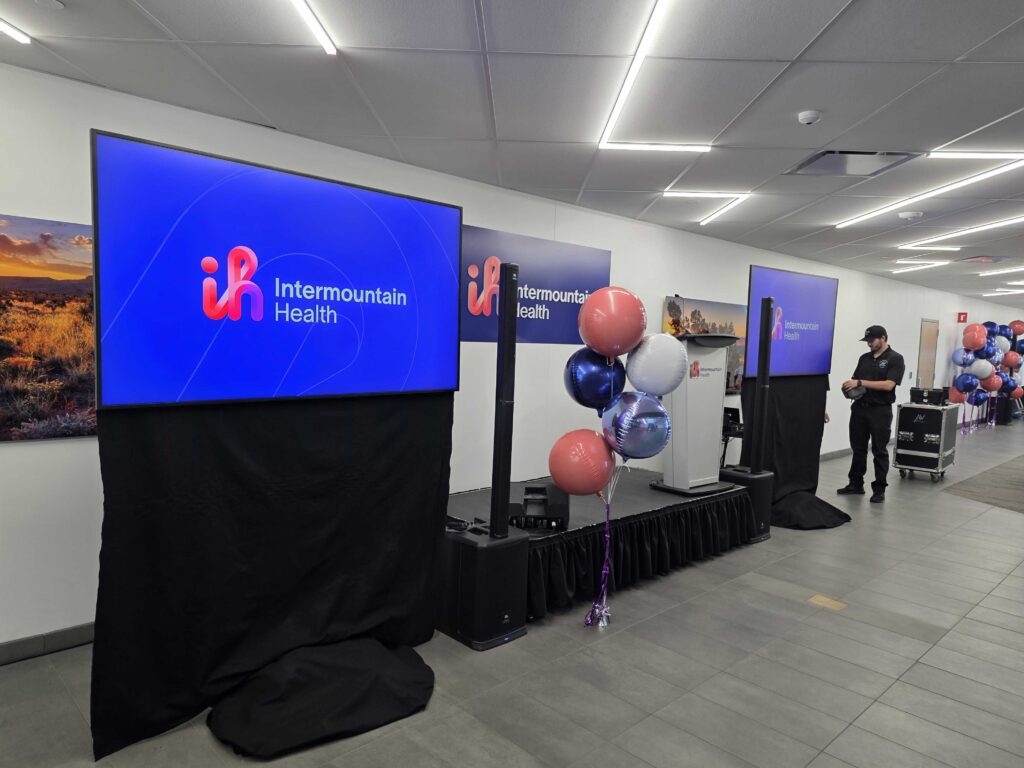
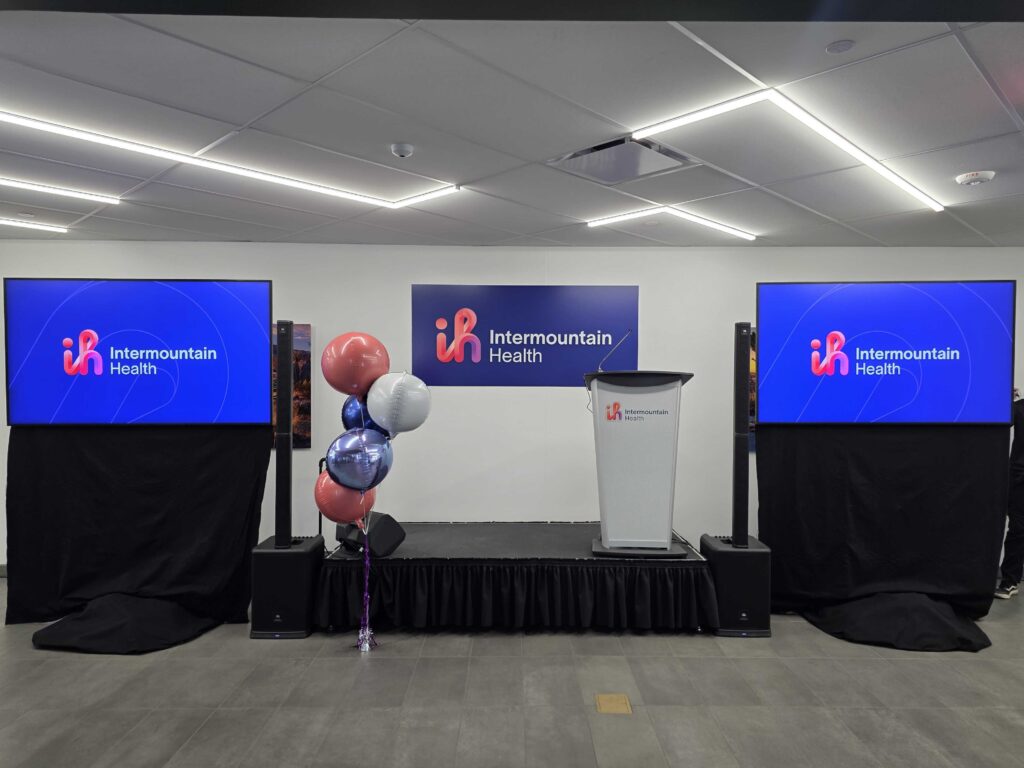
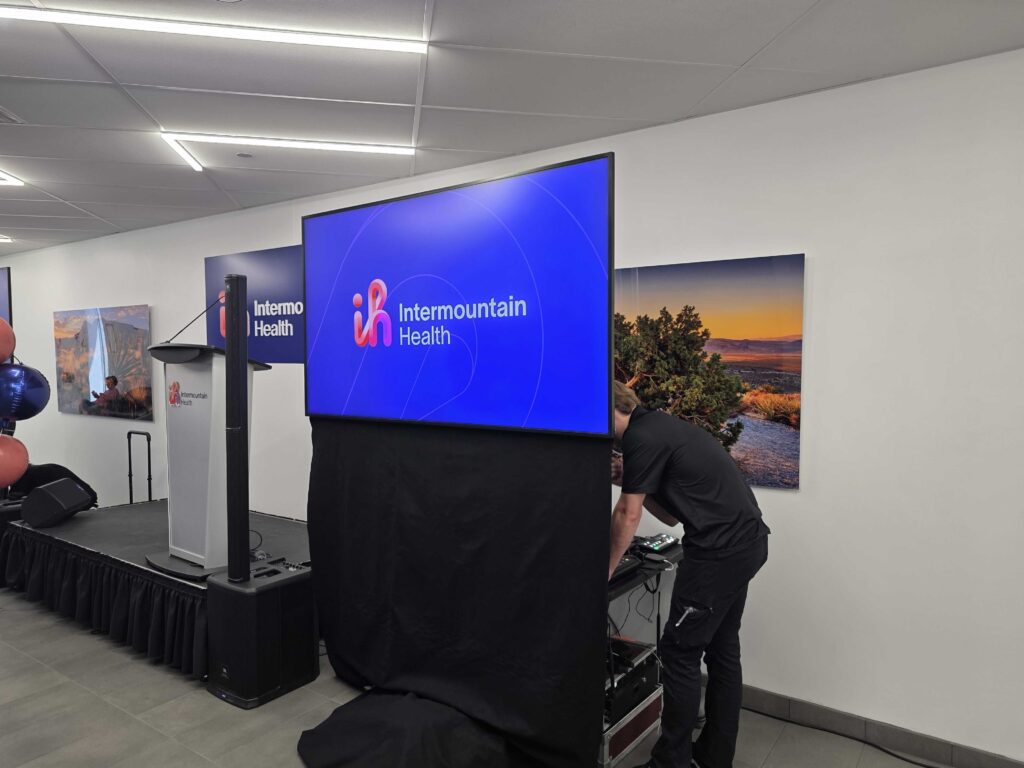
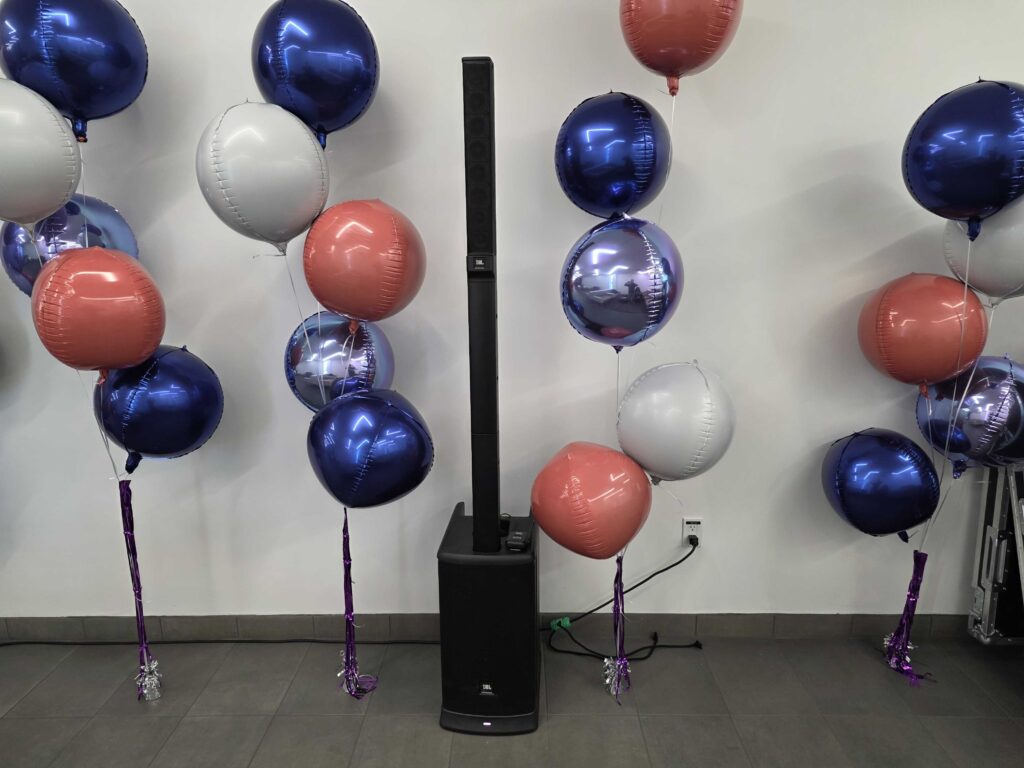
A press conference puts your message in front of cameras, reporters, and the public all at once. There’s no room for a dropped microphone or a screen no one can read. The right audiovisual setup keeps your message clear and your brand looking sharp. Here’s how the four key elements work together.
Crystal-Clear Audio
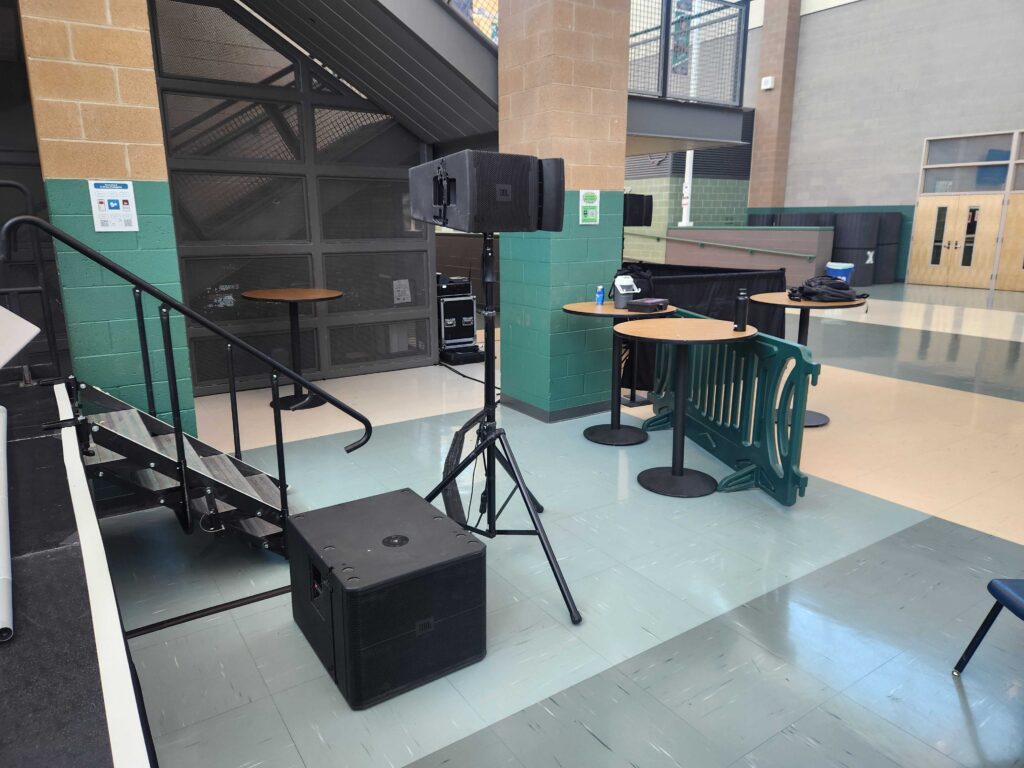
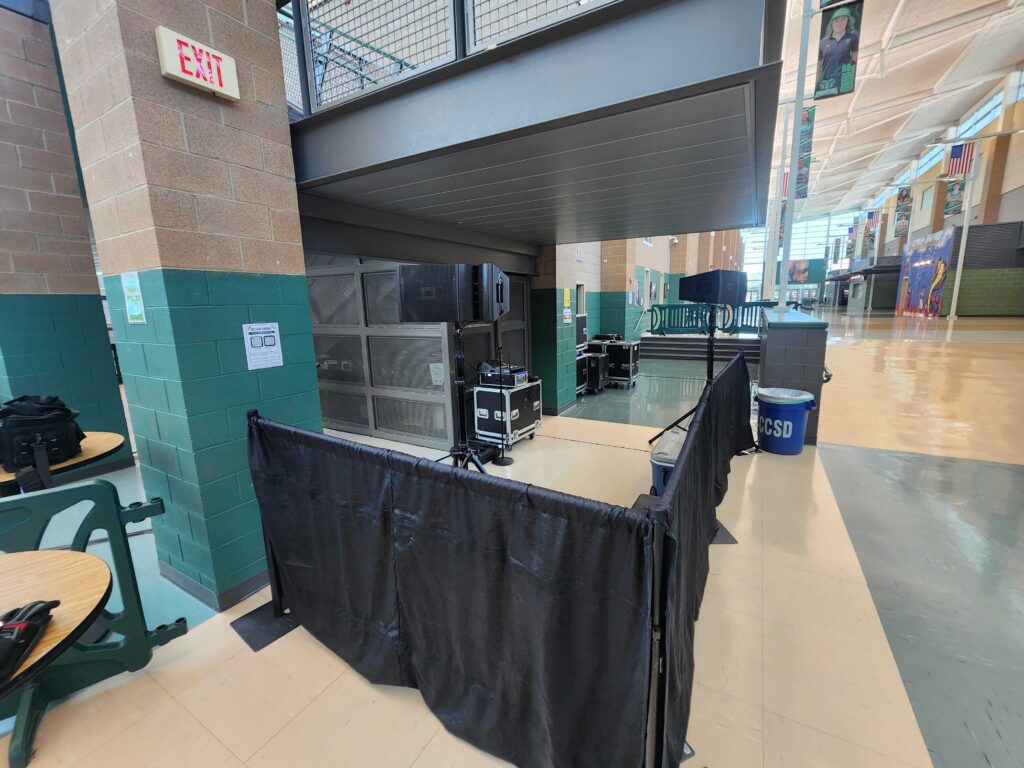
Sound is the backbone of any press conference. If reporters can’t hear your speaker, the story gets lost, and so does your message.
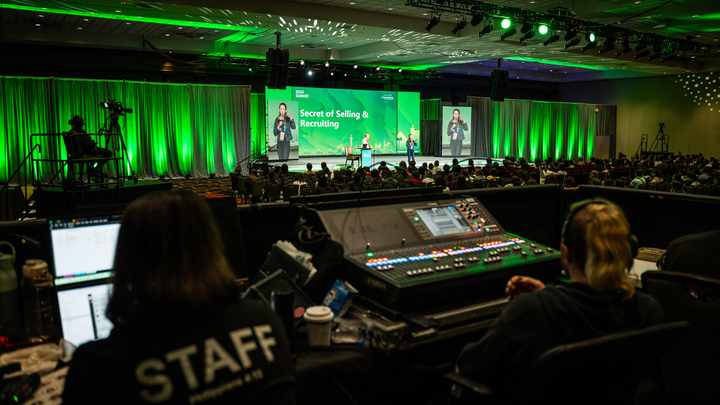
Professional audio means the right microphones, balanced sound levels, and clean feeds for broadcast. That way, every quote lands clearly, whether it’s captured by a network camera or a podcast mic. Good audio also prevents feedback and dead spots that distract from your announcement.
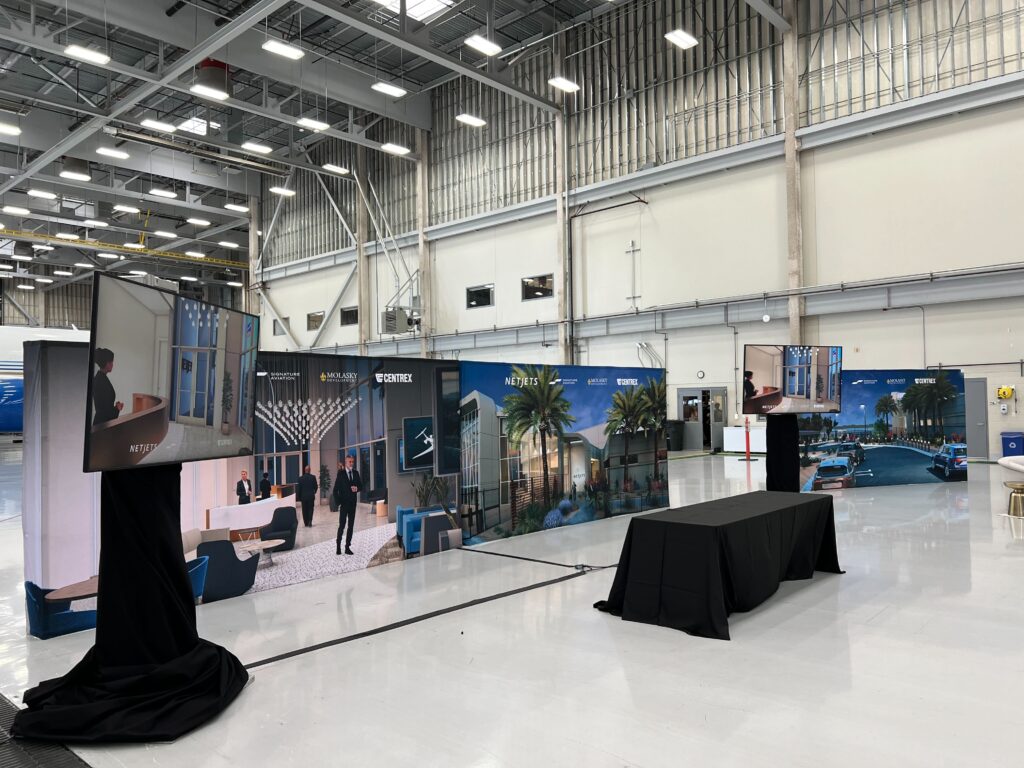
High-Quality Video Displays
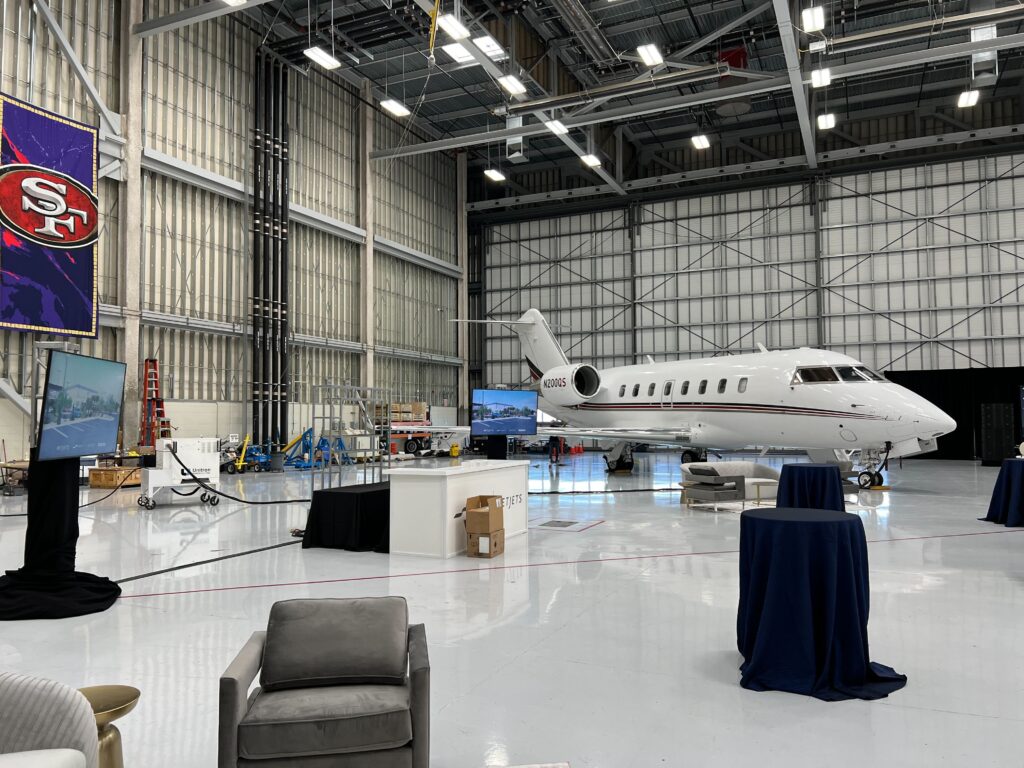
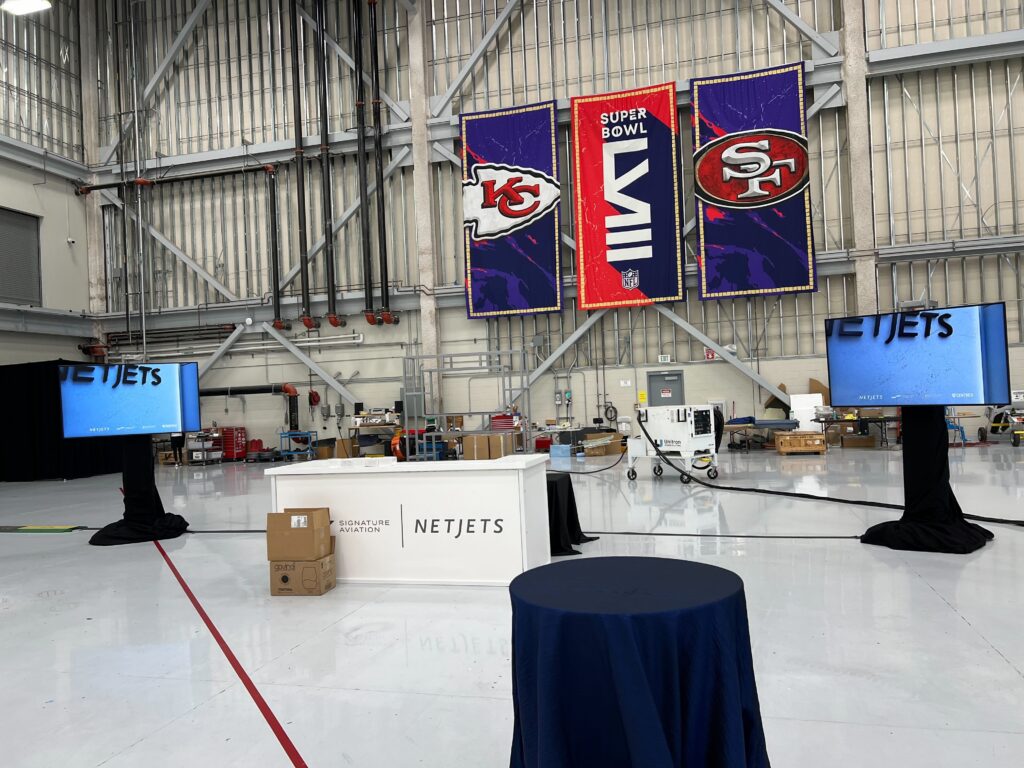
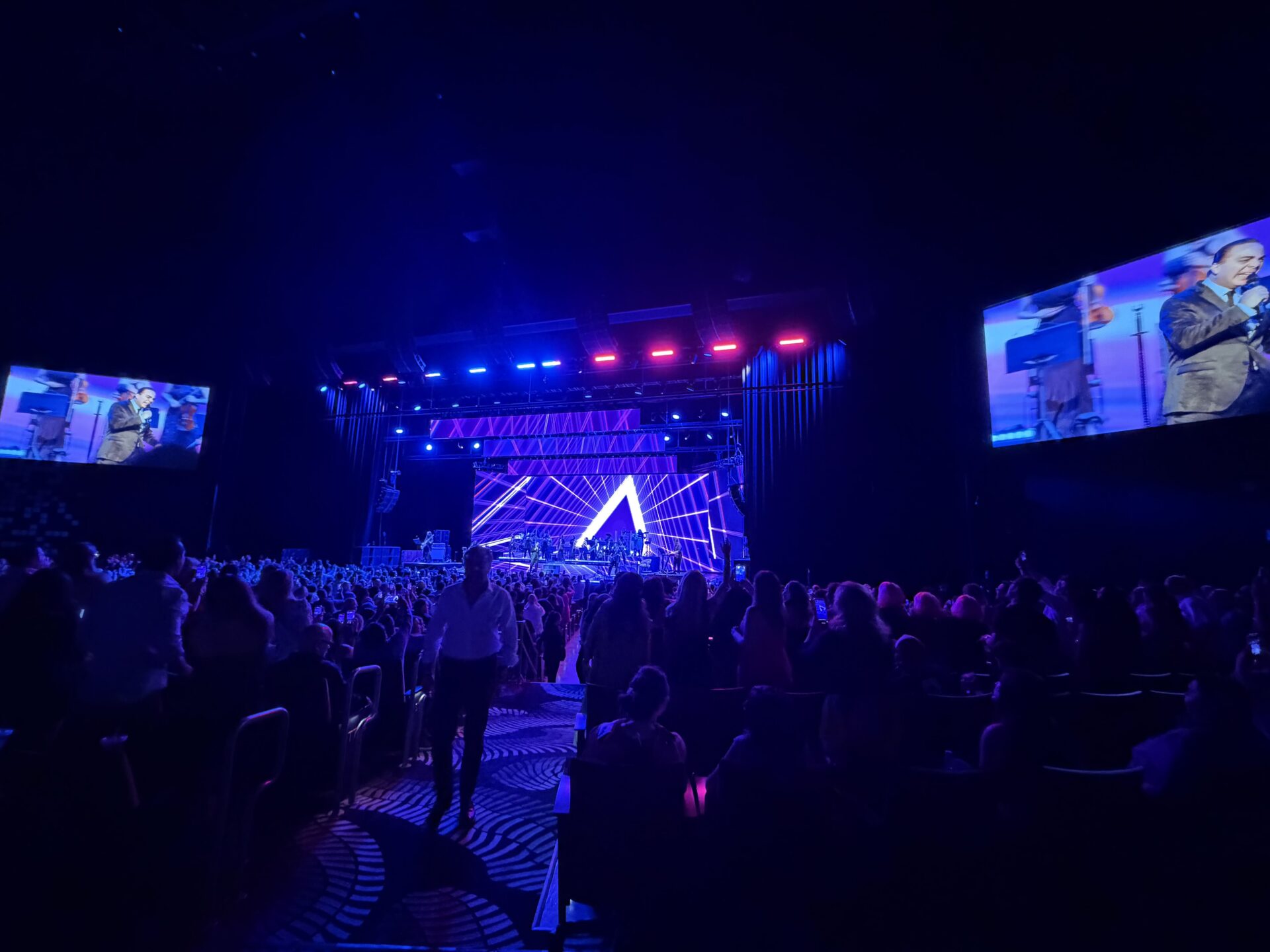
Visuals reinforce what your speaker says. Sharp video displays present slides, branding, and supporting content that reporters can reference on the spot.
Well-placed screens keep your audience focused and give live-stream viewers a professional experience. High-resolution displays also make sure your logos and key graphics read clearly on camera, strengthening your brand in every shot.
Professional Staging
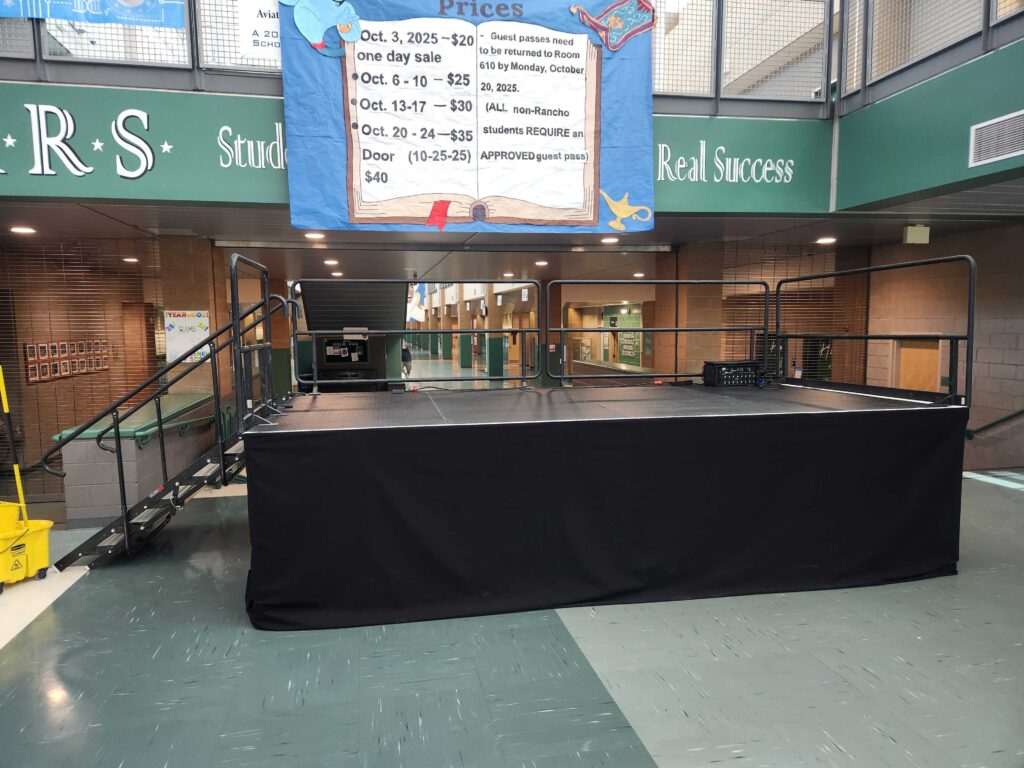
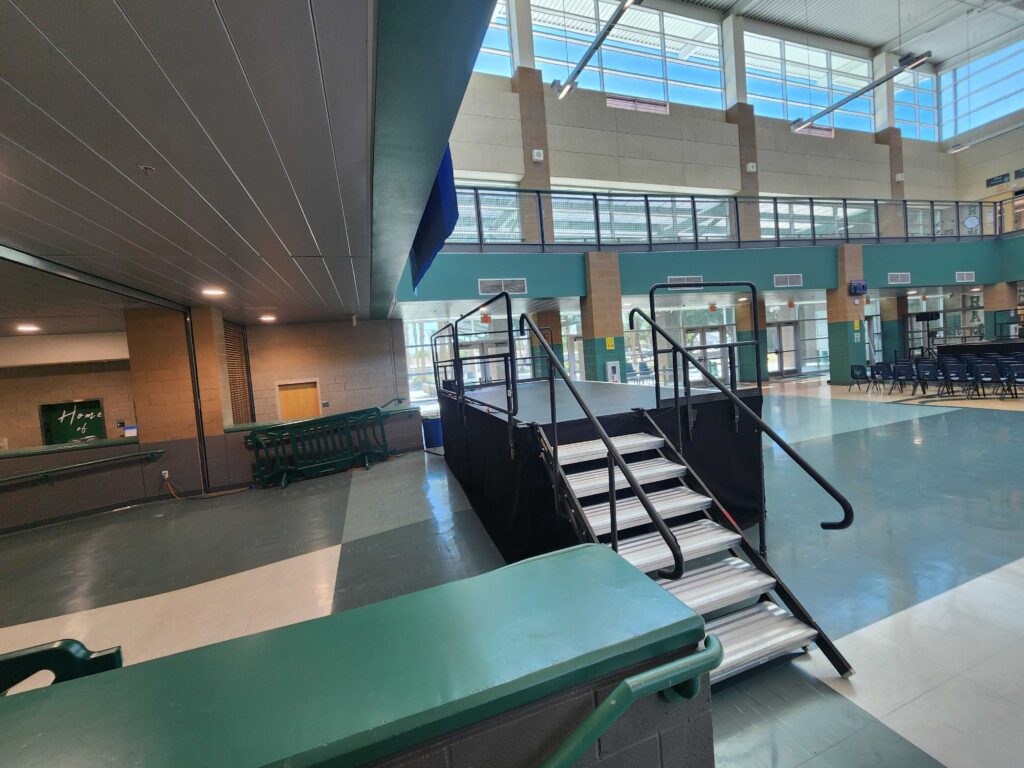
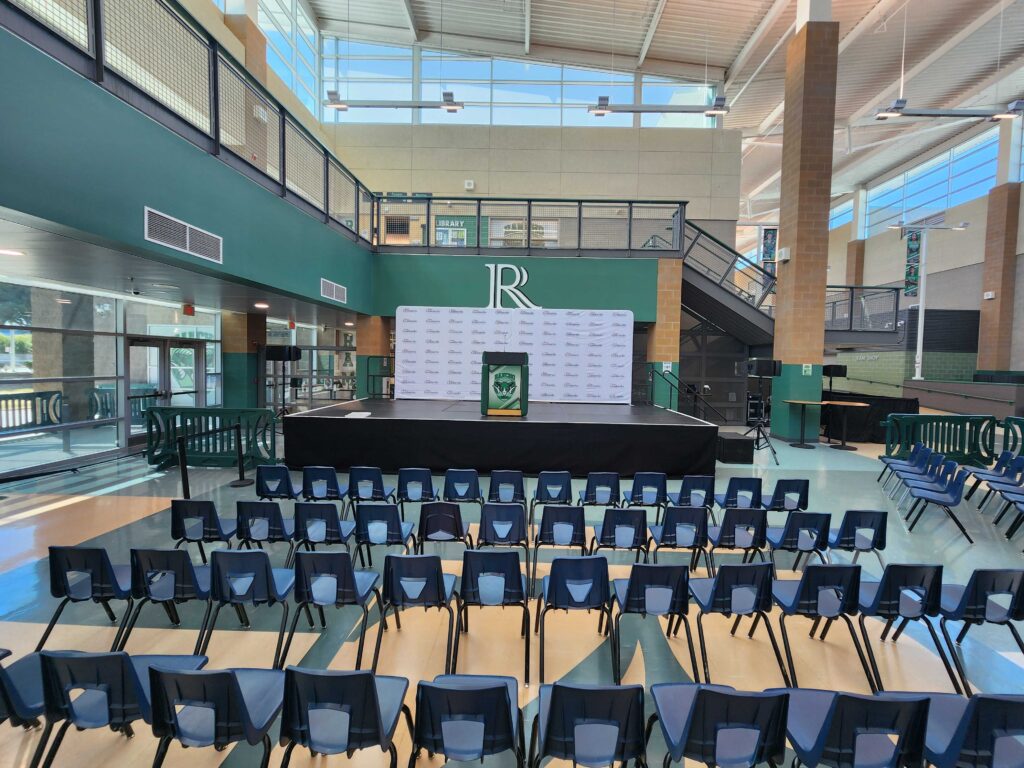
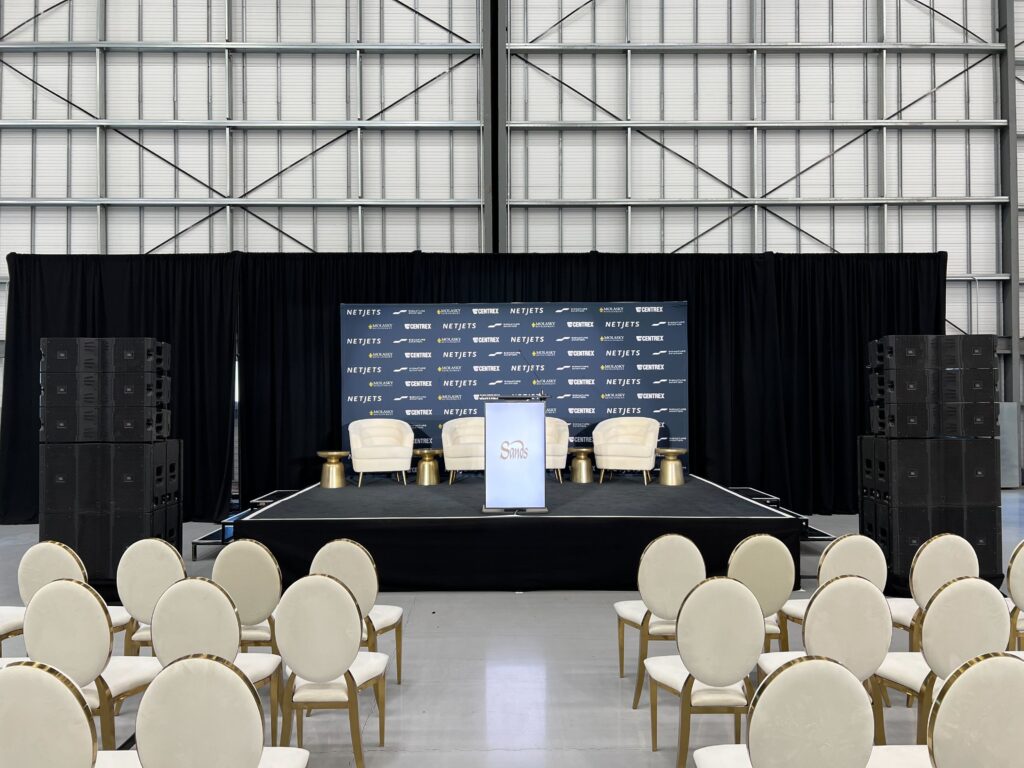
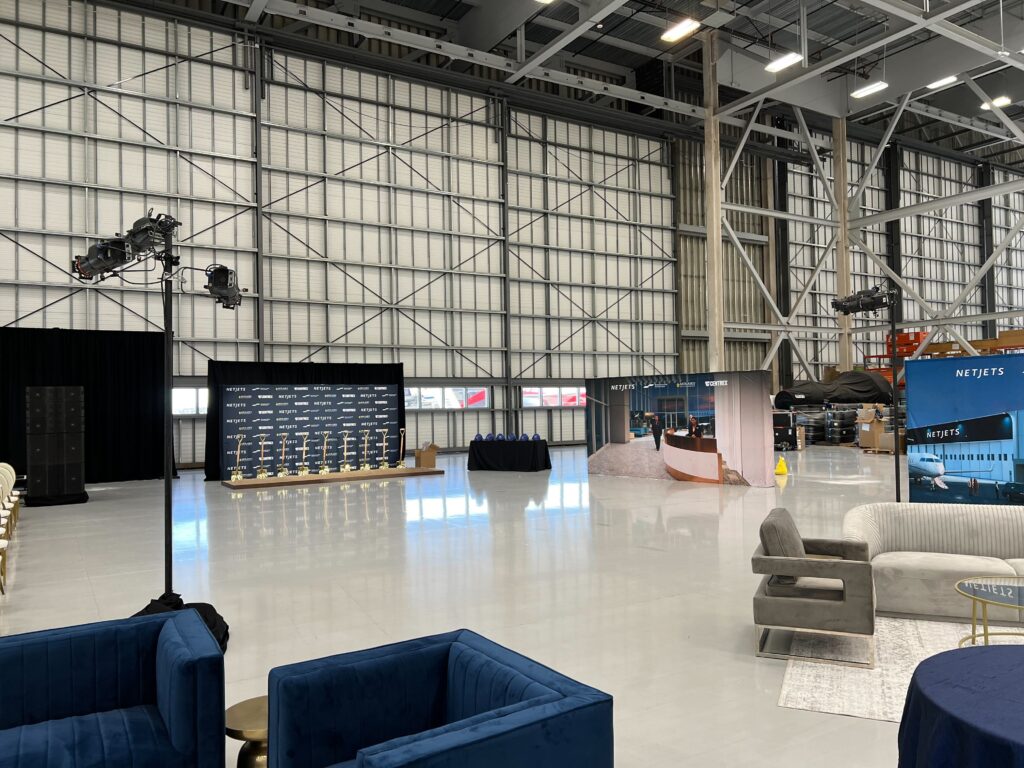
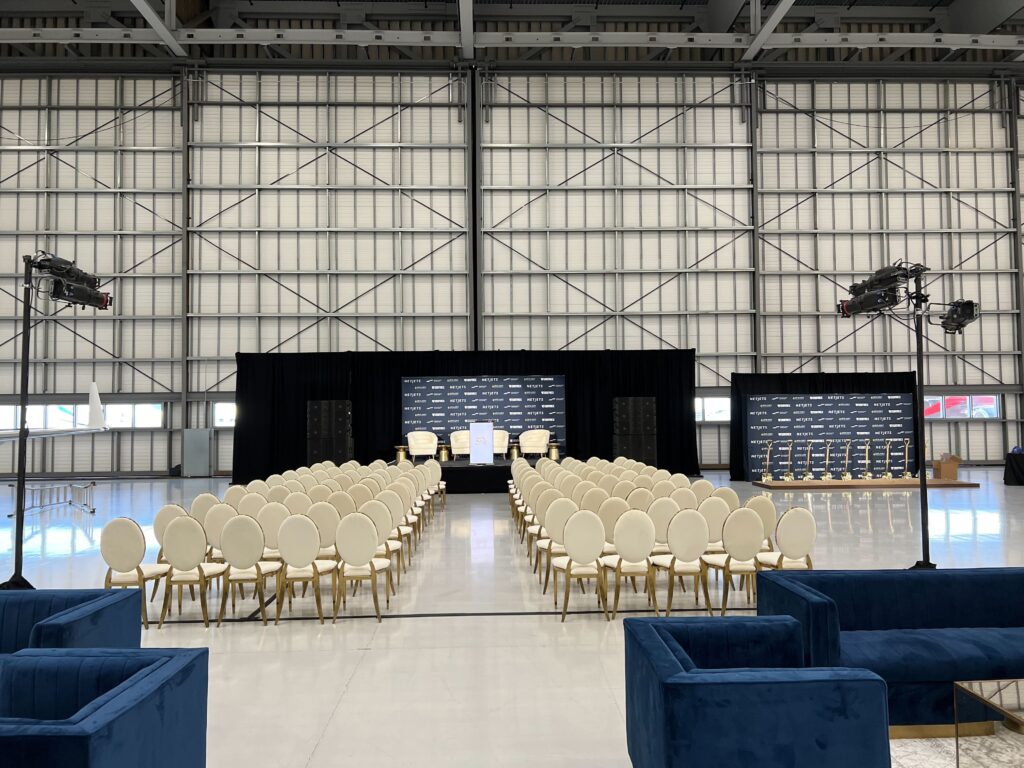
Staging sets the scene. A clean, well-designed stage frames your speaker and signals that your organization takes the moment seriously.
The right layout considers camera angles, backdrop branding, podium placement, and sightlines for the press. Thoughtful staging keeps the focus where it belongs: on your message and the people delivering it.
Dynamic Lighting
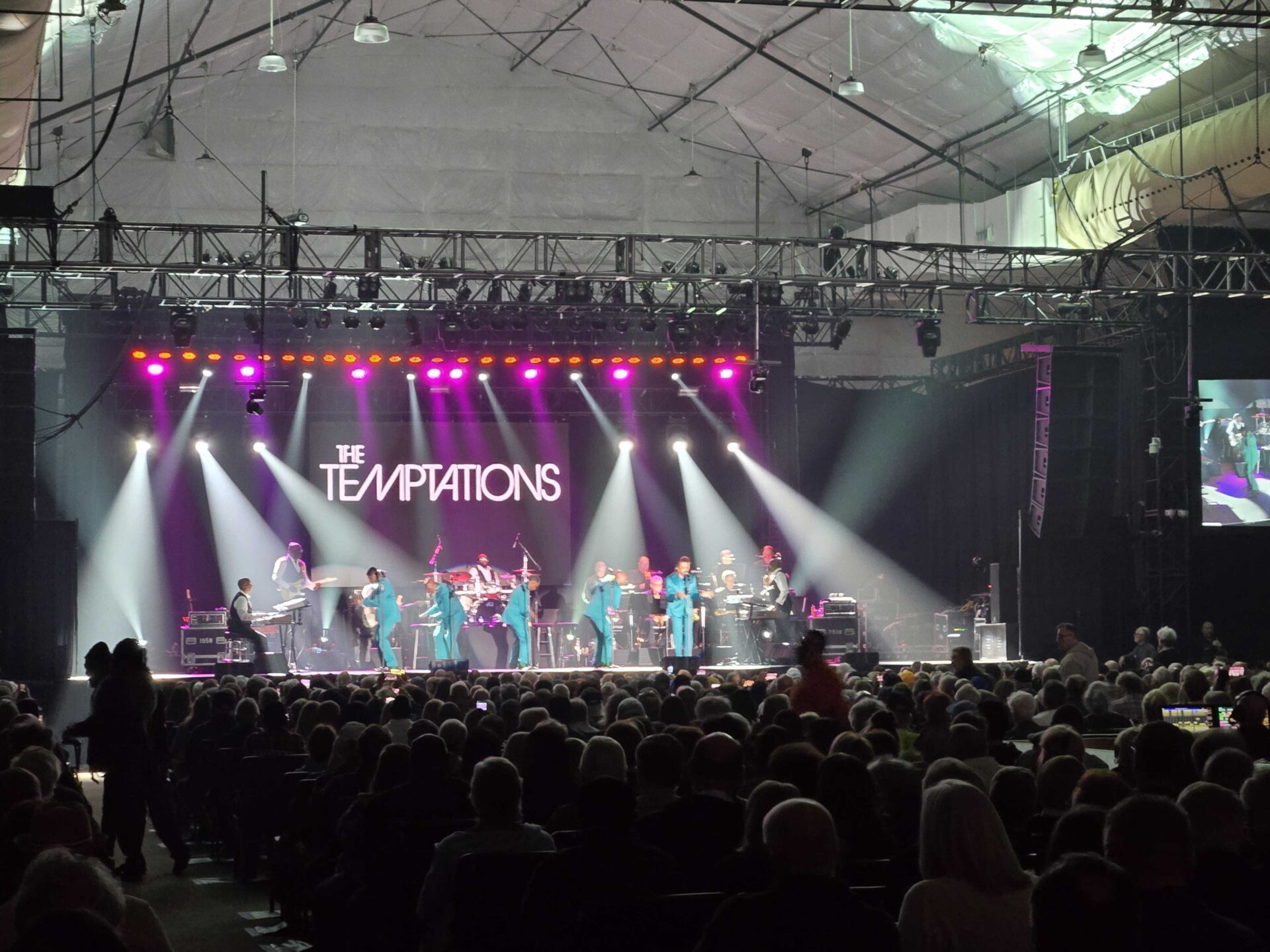
Lighting can make or break how your press conference looks on screen. Poor lighting casts shadows and washes out faces, while professional lighting makes speakers look confident and polished.
Balanced, camera-ready lighting ensures every shot is broadcast quality. It also highlights your staging and branding, giving your event a professional glow from the first frame to the last.